Finance, GST & Accounting · Reports
Balance Sheet
See what the business owns, owes and is worth on the Sayl Finance balance sheet, as of any date.
Try it in the live demoFinance → Accounting → Balance Sheet
What it is for
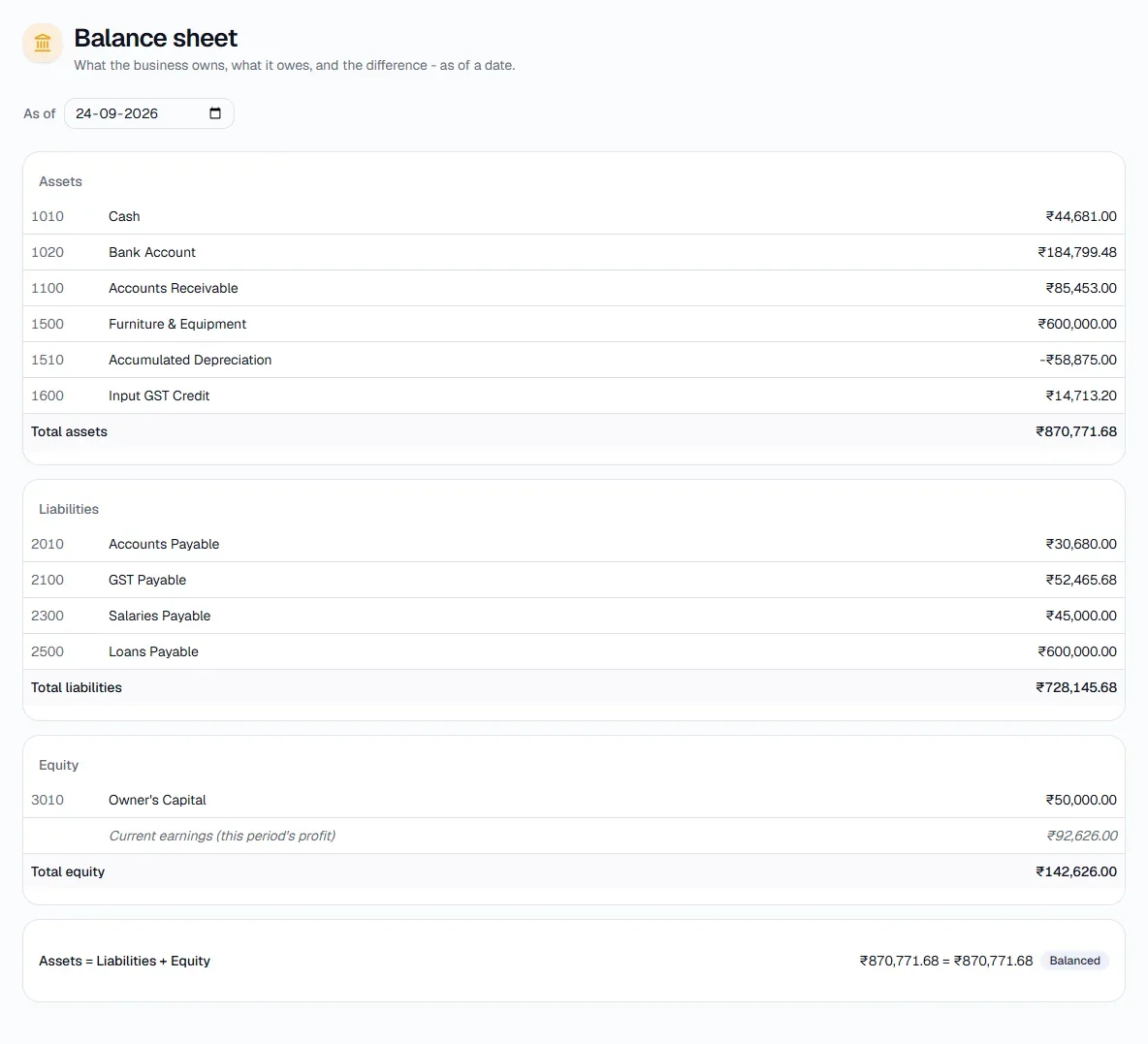
The Balance Sheet shows what the business owns (assets), what it owes (liabilities) and the difference (equity), as of a date.
How it works
- Assets, liabilities and equity are grouped by account. Current earnings for the period are included in equity.
- The check at the bottom - Assets = Liabilities + Equity - shows a Balanced badge when the books are in order.
Step by step
Every screenshot is from the live demo. The highlighted button is the one to click - nothing here is saved in the demo, so you can follow along freely.
- 1
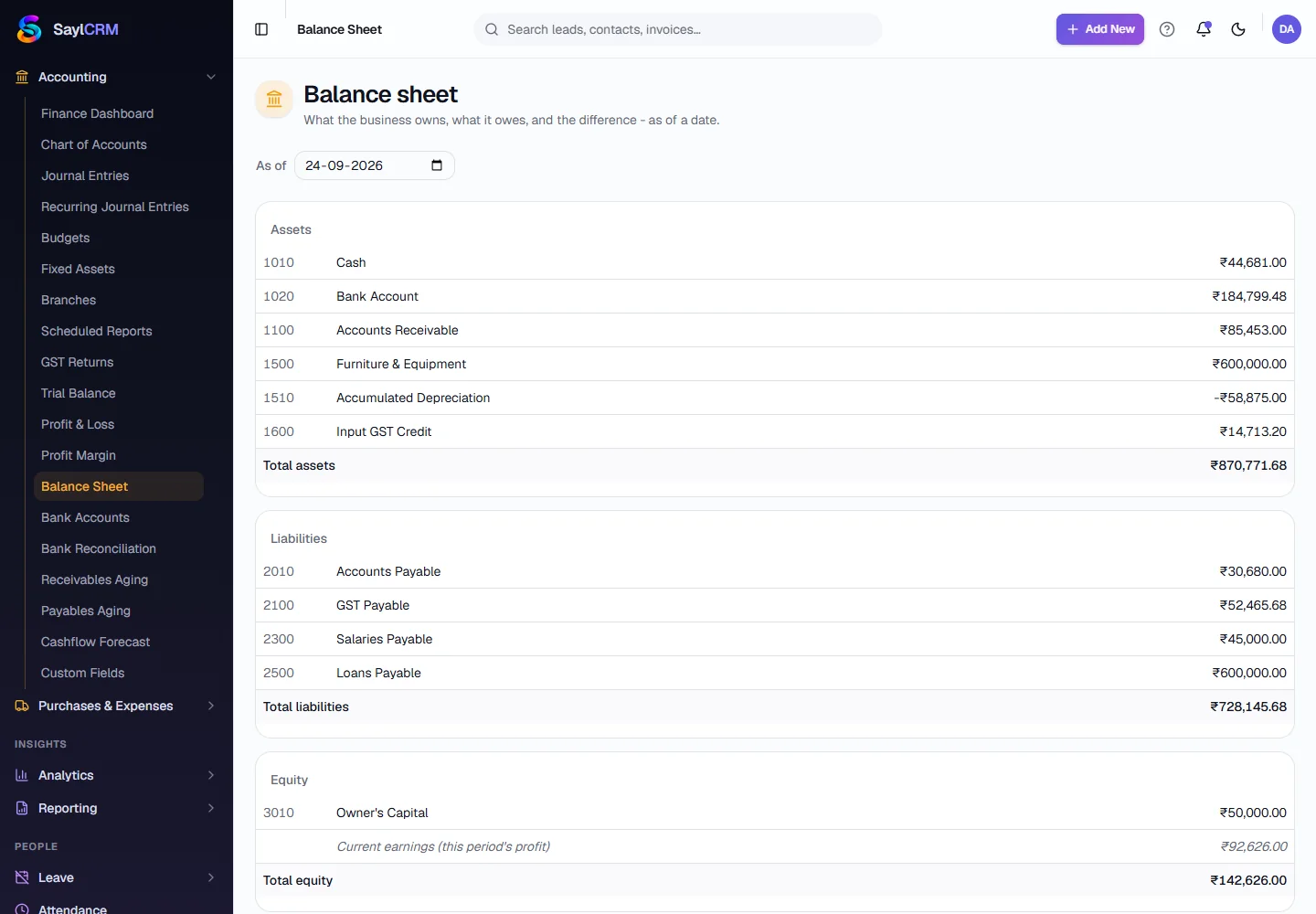
Open Balance Sheet
Finance → Accounting → Balance Sheet.
- 2
Choose the date
Pick the As of date.
- 3
Read the three sections
Assets first, then liabilities, then equity, with the totals and the balance check at the bottom.