
Finance, GST & Accounting · Reports
Payables Aging
See what your business owes vendors and how overdue each bill is with the Sayl Finance payables aging report.
Try it in the live demoFinance → Accounting → Payables Aging
What it is for
Payables Aging shows what the business owes its vendors, and how overdue each bill is - so you pay on time.
How it works
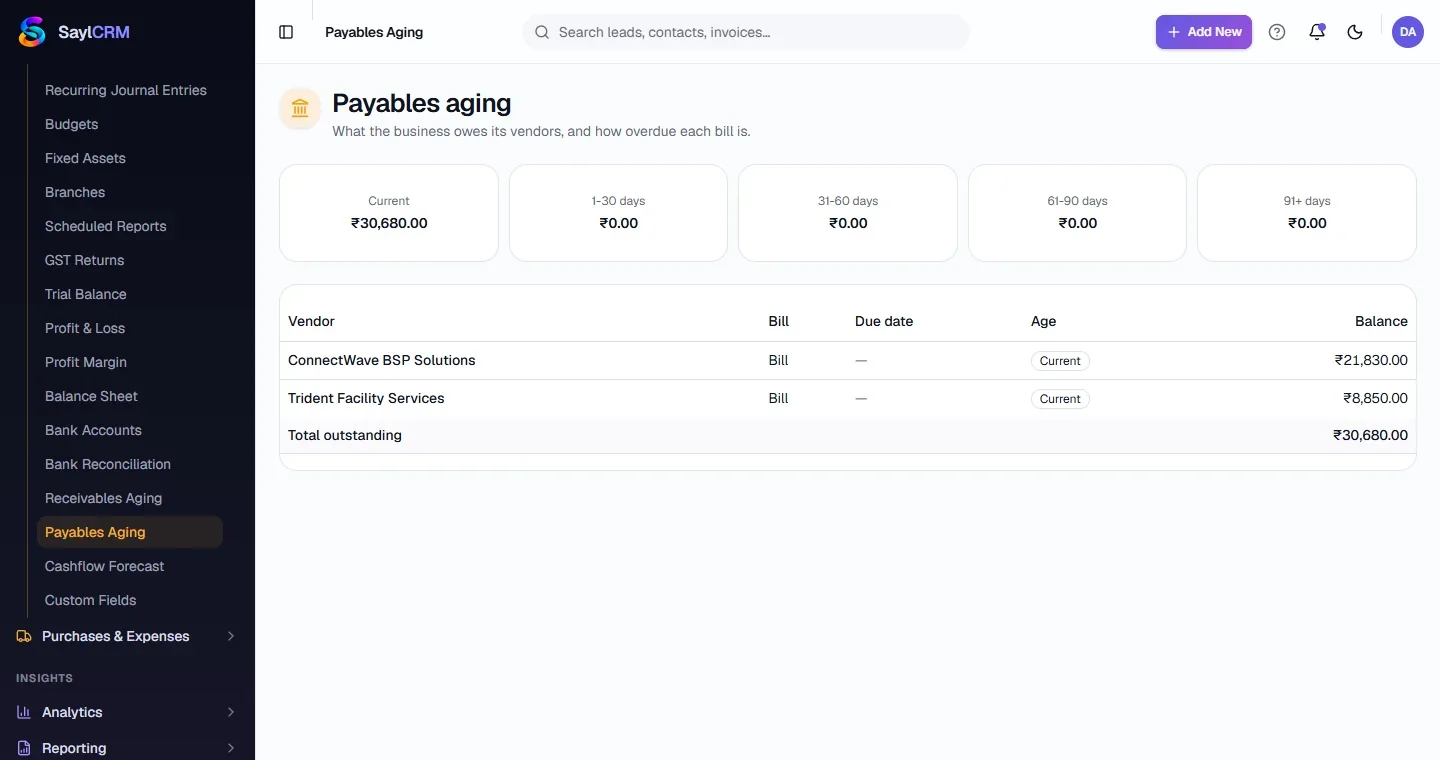
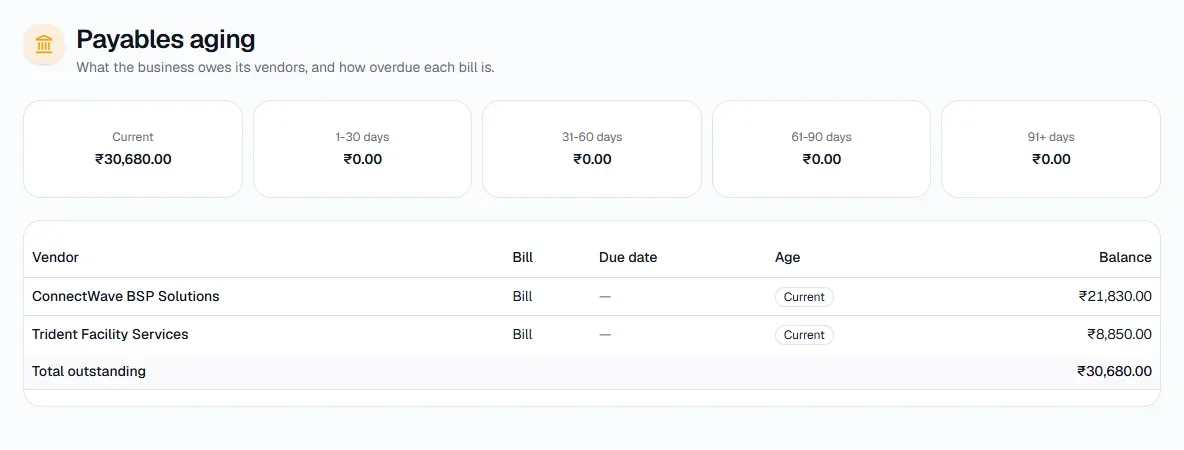
- Open bills are grouped into Current, 1-30, 31-60, 61-90 and 91+ days, with the vendor, bill, due date, age and balance.
Step by step
Every screenshot is from the live demo. The highlighted button is the one to click - nothing here is saved in the demo, so you can follow along freely.
- 1
Open Payables Aging
Finance → Accounting → Payables Aging.
- 2
Read the report
Bucket totals across the top; every open bill below.
- 3
Pay what is due
Open a bill to record the payment or print a cheque.