
Finance, GST & Accounting · Accounting
Finance Dashboard
See what you are owed, what you owe, cash on hand and this month's profit on the Sayl Finance dashboard - all from the live ledger.
What it is for
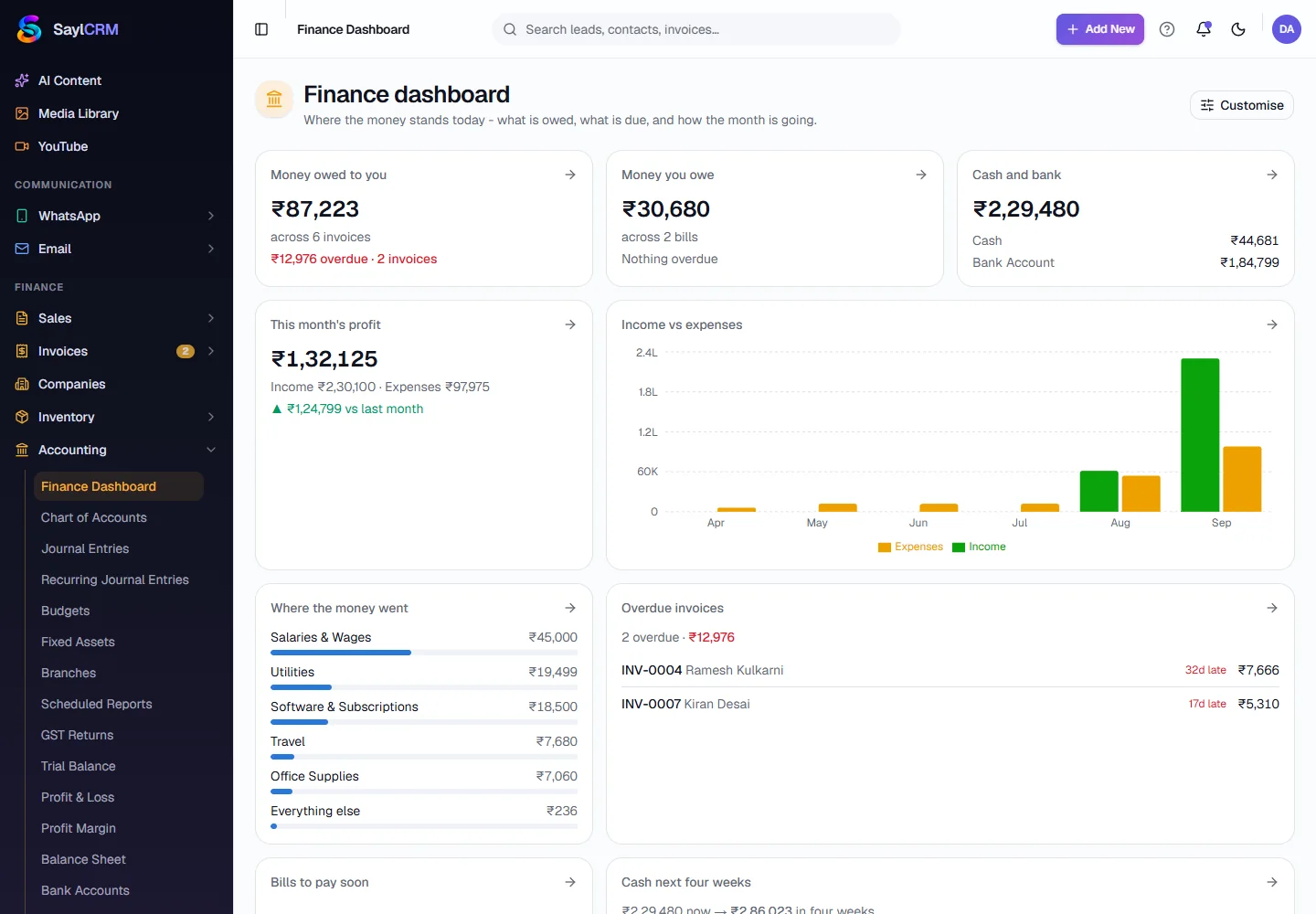
The Finance Dashboard shows where the money stands today - what is owed to you, what is due, and how the month is going - on one screen, computed from the same ledger as every report.
How it works
- Money owed to you and Money you owe come from open invoices and bills, with anything overdue called out in red.
- Cash and bank adds your cash and bank account balances. This month's profit compares income and expenses with last month.
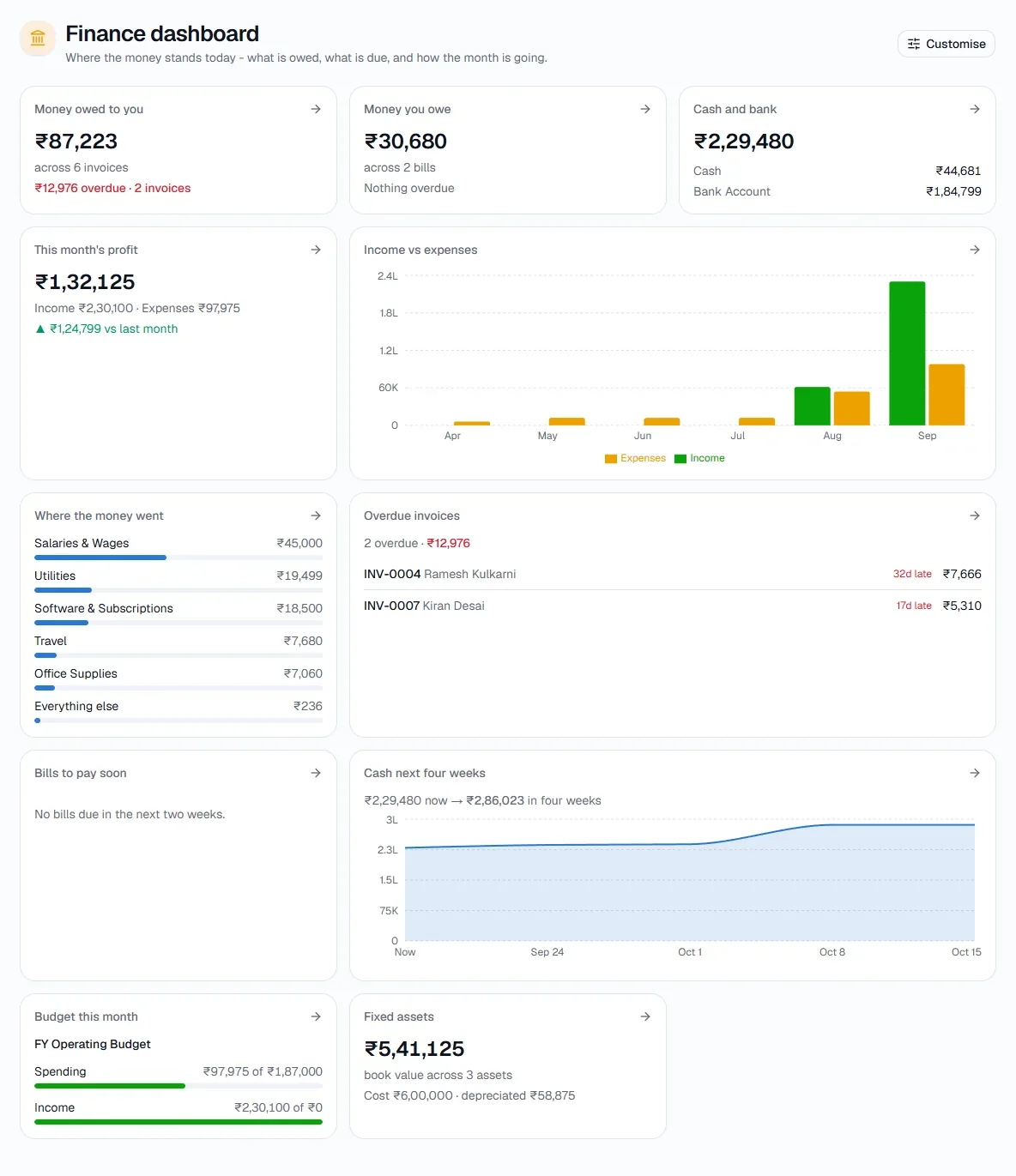
- Income vs expenses charts the year month by month; Where the money went ranks your biggest expense accounts; Overdue invoices lists who is late and by how many days.
- Cash next four weeks projects the balance from what is outstanding, and Budget this month shows spending against your active budget.
- Customise lets you choose which widgets to show and in what order.
Step by step
Every screenshot is from the live demo. The highlighted button is the one to click - nothing here is saved in the demo, so you can follow along freely.
- 1
Open the dashboard
Finance → Accounting → Finance Dashboard.
- 2
Read the summary cards
The top row answers the three daily questions: who owes me, who do I owe, and how much cash do I have.
- 3
Click through to detail
Each card has an arrow that opens the detail behind it, so you can go from a total straight to the documents that make it up.
- 4
Customise it
Click Customise (top right) to hide the widgets you do not need and reorder the rest.
Tips
- Check Overdue invoices first thing each morning - it is your collections list.