Finance, GST & Accounting · Reports
Profit & Loss
See what the business earned and spent between two dates in the Sayl Finance profit and loss statement, filtered by branch.
Try it in the live demoFinance → Accounting → Profit & Loss
What it is for
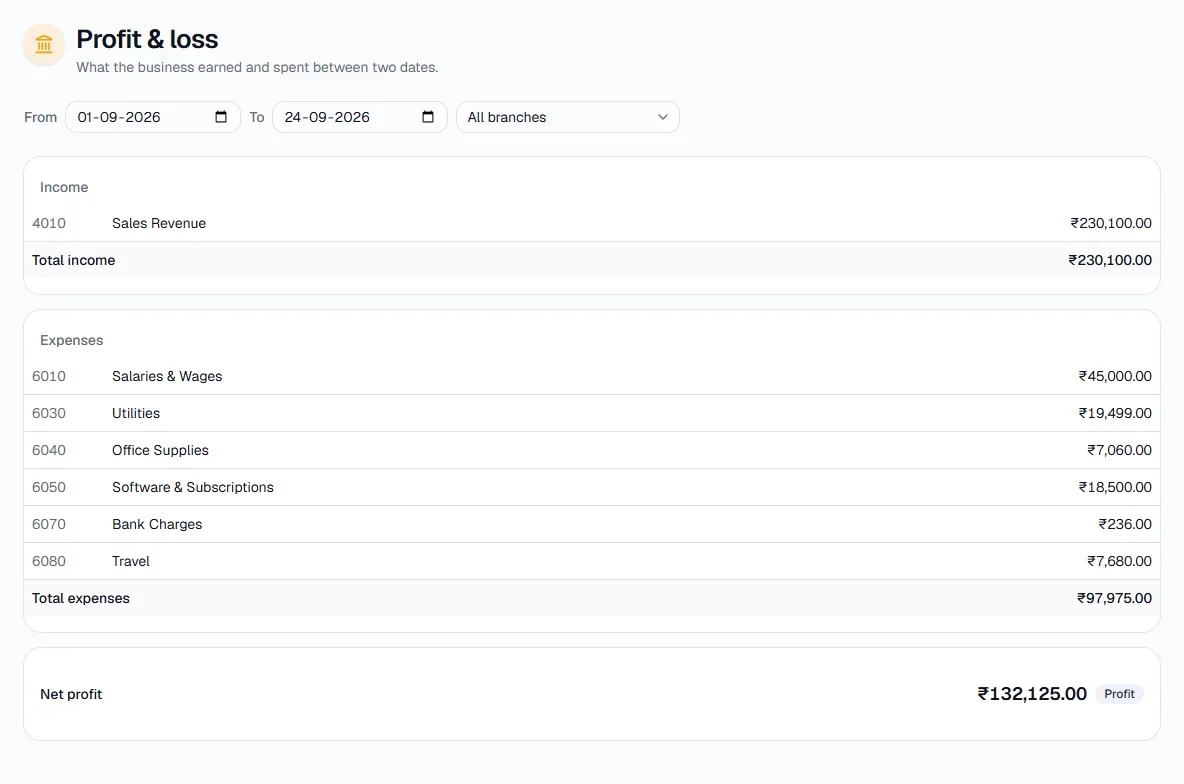
The Profit & Loss statement shows what the business earned and spent between two dates, and the difference - the net profit or loss.
How it works
- Income and expenses are listed by account, straight from the ledger, and the result is labelled Profit or Loss.
- Filter by branch to see one location's own profit and loss, or All branches for the whole business.
Step by step
Every screenshot is from the live demo. The highlighted button is the one to click - nothing here is saved in the demo, so you can follow along freely.
- 1
Open Profit & Loss
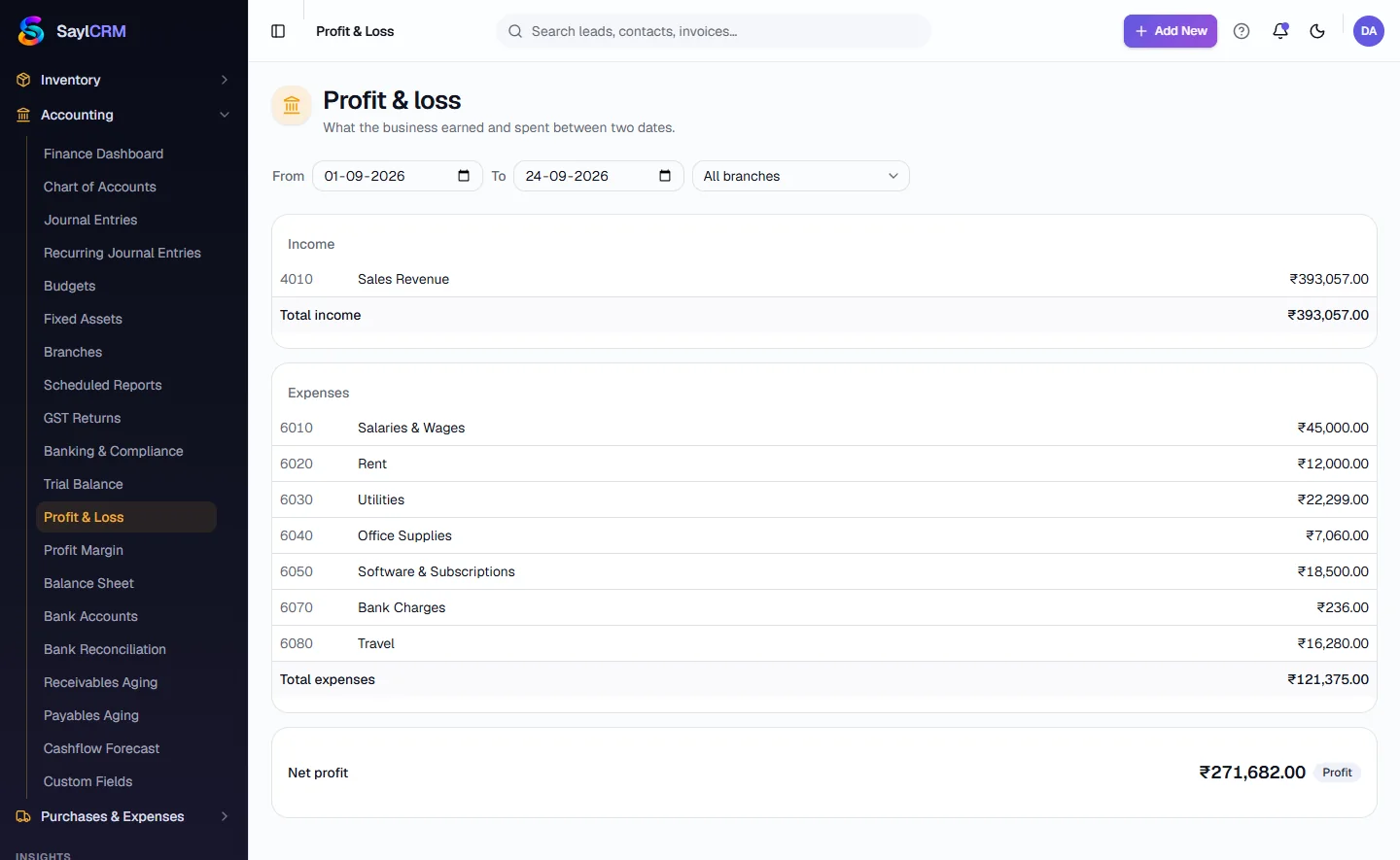
Finance → Accounting → Profit & Loss.
- 2
Set the dates and branch
Choose the From and To dates and, optionally, a single branch.
- 3
Read the statement
Income is listed first, then expenses by account, then Net profit at the bottom.